TL;DR: 3MF vs STL comes down to what the file remembers. An STL stores bare triangles: no units, no color, no settings. A 3MF stores the same mesh plus units, per-triangle colors, and print settings in one compressed file that Bambu Studio, OrcaSlicer, and PrusaSlicer read natively. Printing multicolor? You need 3MF. Sharing a single-color part? STL is still fine. The rest covers what each format stores and when to use it, plus free in-browser converters for both directions.
What's the difference between 3MF and STL?
STL, released in 1987, describes a model as a list of triangles and nothing more. It carries no units, no color, no materials, and no guarantee the mesh is watertight. 3MF, published by the 3MF Consortium in 2015, packs the same triangles into a compressed XML archive along with units, per-triangle colors, materials, and print settings. An STL is a bare shape. A 3MF is a shape plus everything the slicer needs to know about it.
The units gap is the one that bites first in the 3MF vs STL choice. An STL doesn't say whether it was modeled in millimeters or inches, so your slicer guesses, and a part designed in inches imports 25.4 times too small. A 3MF states its units inside the file. The whole format is public at the 3MF Consortium's specification, and it's a ZIP archive: rename a 3MF to .zip and you can open it and read the XML yourself.
That container also explains the size difference. The same mesh saved both ways usually comes out smaller as a 3MF, because the XML compresses well, while an ASCII STL spells out every triangle in plain text.
When should you still use STL?
Use STL when compatibility matters more than fidelity: uploading to model libraries, sending a part to someone whose software you don't know, or archiving single-color mechanical parts with nothing extra to store. Nearly forty years of tools read STL without complaint. Switch to 3MF the moment the model carries color, needs exact units, or travels with print settings.
STL earned its position. Thingiverse, Printables, and most CAD export paths still treat it as the default, and every mesh repair or sculpting tool of the last few decades speaks it. For a wall bracket printed in one filament, a 3MF holds nothing an STL is missing.
Downloaded a file and want to check it before committing filament? The free STL viewer opens STL, OBJ, and 3MF in the browser, with no upload.
3MF vs STL for multicolor printing
Here the 3MF vs STL comparison ends, because only one side shows up. STL cannot store color. Not poorly: the format has no field for it. Paint a model in your slicer, export as STL, and every stroke is gone. This is why a "full color" model downloaded as STL arrives gray.
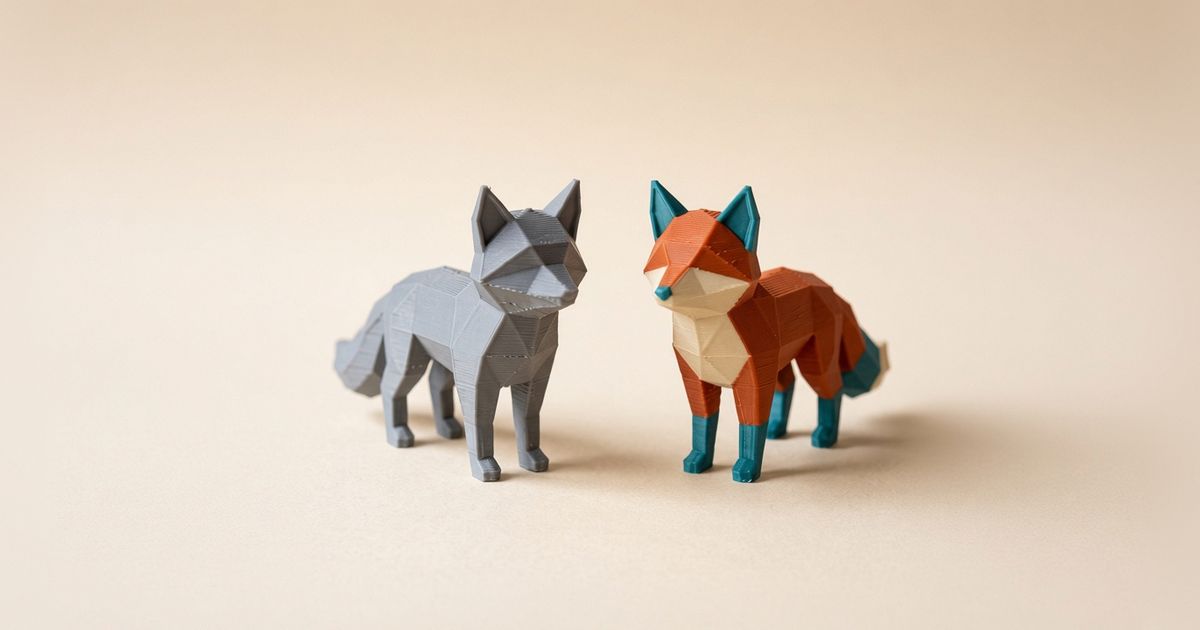
3MF handles color through its Materials Extension: a color group assigned per triangle, inside the same file as the mesh. One 3MF can tell the slicer that the fox's body is orange, the paws are teal, and the chest is cream, face by face. Bambu's multi-color printing documentation shows how those assignments map to AMS slots at slice time; OrcaSlicer and PrusaSlicer read the same Standard 3MF. What that buys you on real prints is covered in what full color 3D printing on FDM actually delivers.
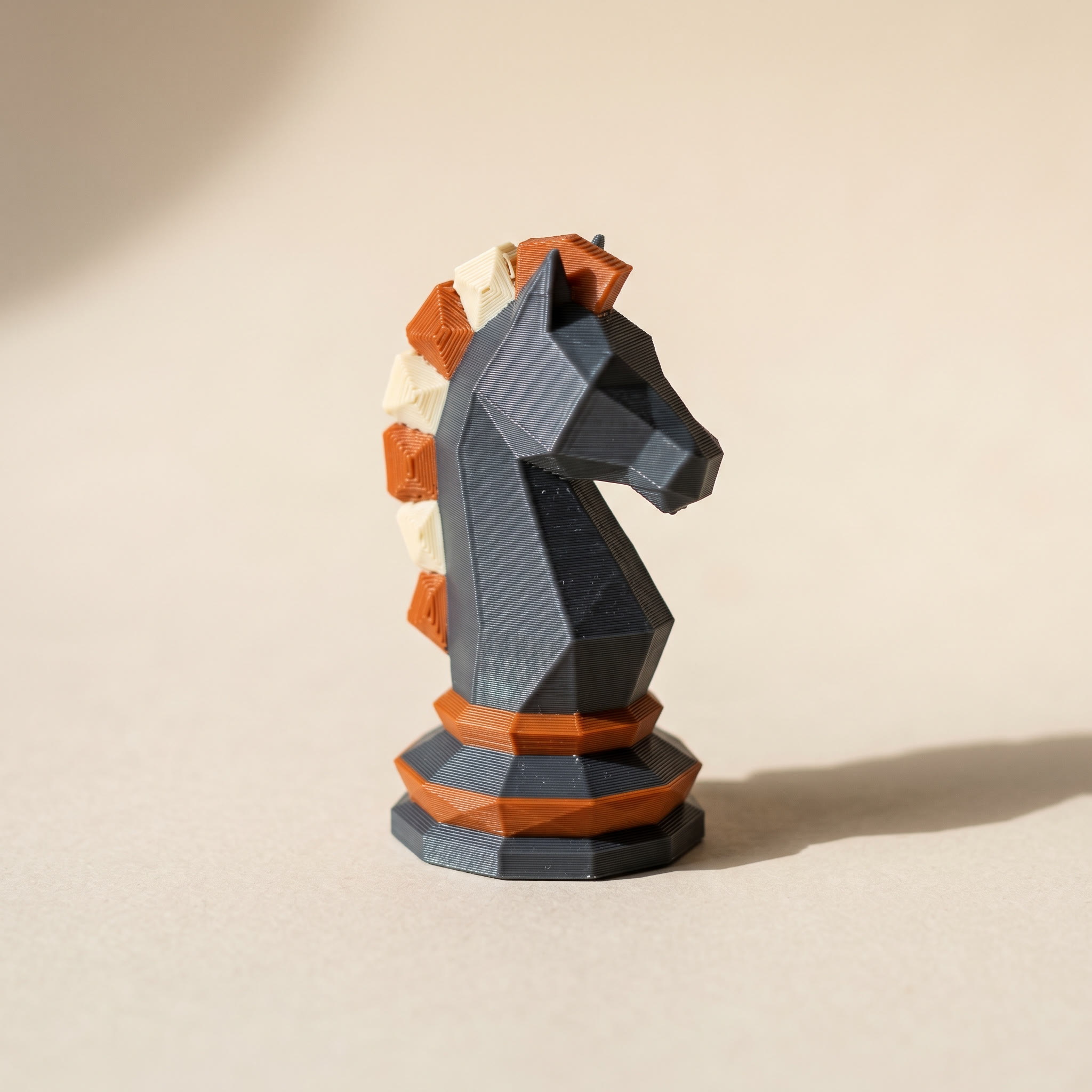
Writing that per-triangle color is Layerpaint's whole job. Open the painter in your browser, drop in an STL, and the mesh is partitioned along its crease edges so a mane or a base ring becomes one clickable region. Click a region, pick a filament color, export a Standard 3MF. The full walkthrough is the five-minute first paint job guide.
Bambu Studio asks how to interpret a painted file with its Standard 3MF Color Parsing dialog on import. If your colors ever arrive merged or missing, the color parsing fix walks through the right answers.
How do you convert between 3MF and STL?
Crossing the 3MF vs STL line takes seconds in either direction, and neither needs an install. Going 3MF to STL strips everything the container carries, color included, and hands you bare triangles for tools that want them. The free 3MF to STL converter does it in the browser. Going the other way, the STL to 3MF converter wraps your mesh in the modern container. It won't invent color that was never there, but it pins down the units and gives the file room for paint. Neither tool uploads your model anywhere.
Common questions
Is 3MF better than STL?
For anything beyond a bare single-color shape, yes. 3MF stores units, color, materials, and print settings that STL physically can't hold, in a smaller file. STL's one advantage is reach: every tool and model library accepts it. In the 3MF vs STL split, work in 3MF and publish STL where a site demands it.
Does converting an STL to 3MF add color?
No. Conversion changes the container, not the contents, so a gray mesh stays a gray mesh. The color has to be painted on afterward, either with your slicer's paint tools or per-region in Layerpaint, and then saved into the 3MF.
Do slicers still accept STL?
All of them. Bambu Studio, OrcaSlicer, PrusaSlicer, and Cura open STL without complaint and convert it internally. You lose nothing on geometry. You only hit the wall when you want color or settings to travel with the file.
Why does my 3MF open as one solid color?
Usually the file is a slicer project 3MF rather than a Standard 3MF with color groups, or the import dialog parsed the colors as a single filament. Re-export as Standard 3MF from the tool that painted it, and check the parsing choice your slicer offers on import.
Try it now
Layerpaint runs in your browser, and your model never leaves your device. Drop in an STL, paint it per region in minutes, and export a Standard 3MF that Bambu Studio, OrcaSlicer, and PrusaSlicer open with the colors intact. Your first export is free. After that, one-time unlocks start at $6.97, or $39.97 covers unlimited exports forever. Start at layerpaint.app/app.