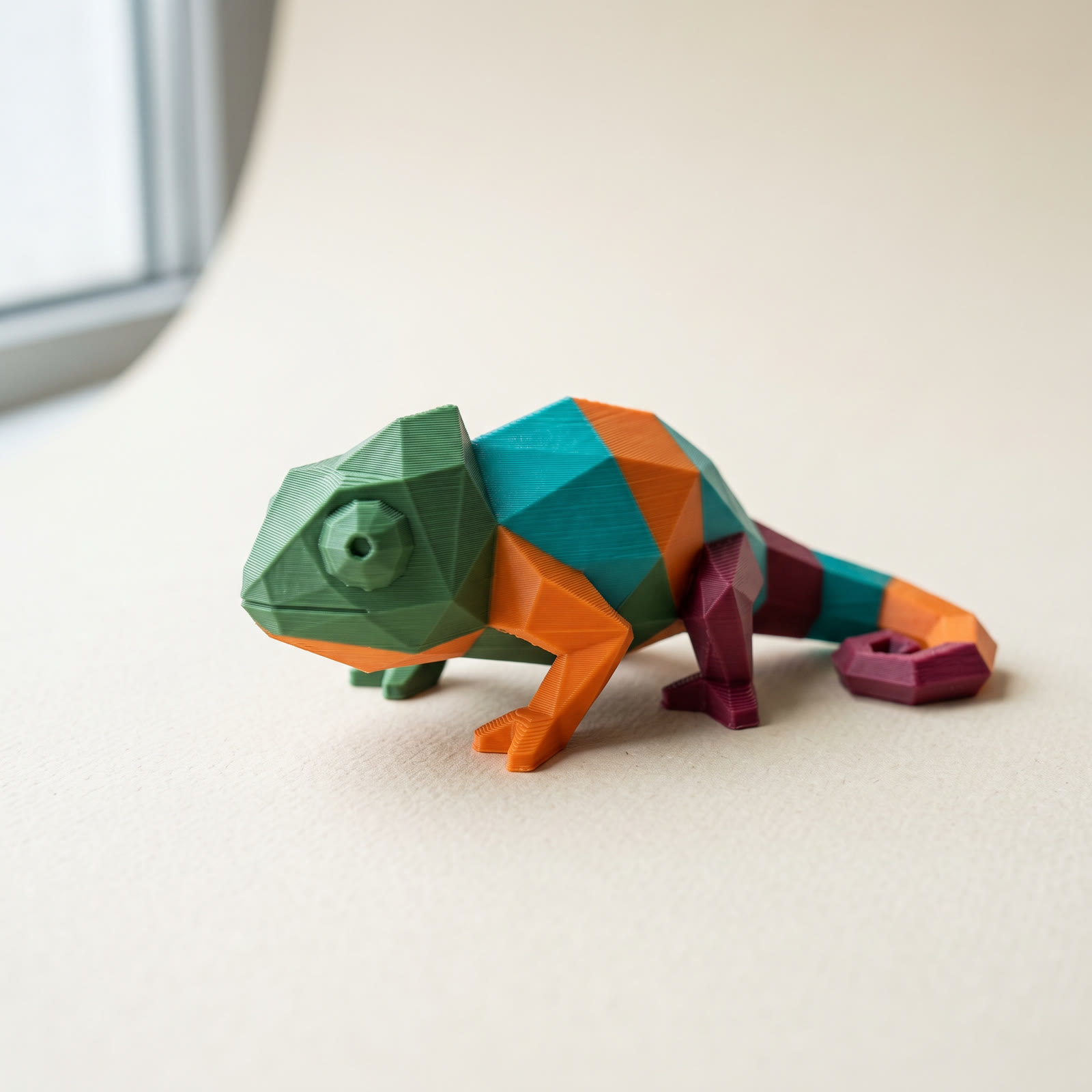
TL;DR: A desktop FDM printer doesn't do full color 3D printing the way an inkjet does. It prints discrete filament colors, up to 16 on a fully chained Bambu AMS and 5 on a Prusa MMU3. Placed well, four to eight colors make most models read as full color from arm's length. This guide covers what each machine class delivers, how many colors you can load, and how to paint a model in your browser and export a Standard 3MF your slicer opens natively.
Can an FDM printer really do full color 3D printing?
Not in the photographic sense. True full color 3D printing — smooth gradients, skin tones, image textures — comes from PolyJet and binder-jetting machines that blend cyan, magenta, yellow, and black like a 2D printer, and those live in service bureaus. A desktop FDM printer prints discrete colors: one per loaded filament, up to 16 spools on a fully chained Bambu AMS. For figurines, terrain, signs, and low-poly models, well-placed discrete colors read as full color from a normal viewing distance.
The distinction matters because the two routes cost wildly different amounts. Formlabs' guide to color 3D printers covers the industrial end of full color 3D printing: material-jetting and binder-jetting machines produce continuous color but sit far outside hobby budgets, so you rent them per part through a printing service. If your model needs a photo texture or an airbrushed gradient, a service is the answer.
Most models don't need that. A knight with a steel sword, brown scabbard, and red plume needs three colors in the right places, not three million. That job is what multi-filament FDM was built for, and it's the version of full color 3D printing you can run on a desk.
How many colors can a desktop printer load at once?
Four per multi-material unit is the standard. A Bambu AMS holds 4 spools and chains up to 4 units for 16 colors on one print. Creality's CFS and Anycubic's ACE Pro follow the same 4-per-box pattern, while Prusa's MMU3 feeds 5 filaments into a single hotend and toolchangers like the Prusa XL run up to 5 independent heads. Every one of these prints a single color at a time and swaps between them, so each extra color adds purge waste and print time.
The mechanics are the same across brands: the machine unloads one filament, loads the next, and purges the old color out of the nozzle before it continues. Bambu's own multi-color printing documentation walks through how the AMS maps model colors to slots at slice time. Prusa's MMU3 does the same for up to five filaments on a MK4 or MK3S+.
Swaps are the tax on every color you add. A four-color figurine can trigger hundreds of filament changes across a print, and each one purges a few grams into the waste chute or a prime tower. Palette order affects how much: colors that share layers should sit so the printer swaps between them cheaply, which is why reordering your palette can cut purge waste without touching the model.
The hard part isn't the printer, it's coloring the model
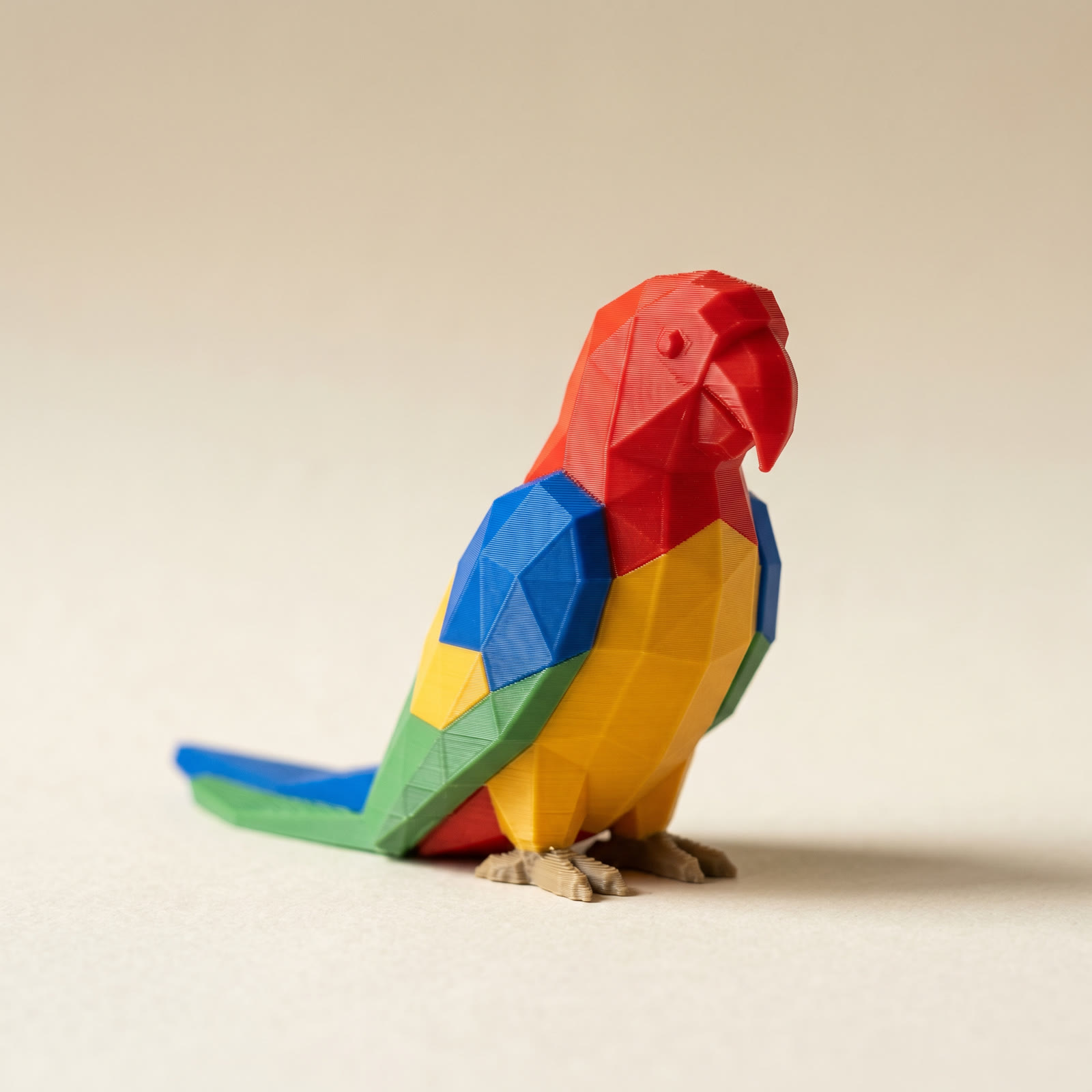
Almost every model you download is a plain, colorless mesh. STL files can't store color at all, so even if your printer has 16 slots loaded, the model arrives knowing nothing about which face should be which filament. Someone has to assign colors to the geometry, and that someone is you.
Slicers offer face painting for this, and for a two-color logo it's fine. On an organic model it turns into a slow circle-and-fill job with a mouse, and one slip paints across an edge you then have to scrub back. If you've tried it on a figurine, you know the twenty minutes it costs.
Layerpaint does the same job faster because it works with the model's own geometry. Open the painter in your browser, drop in an STL, OBJ, or 3MF, and the mesh is auto-partitioned along its crease edges, so a helmet or a belt buckle becomes one clickable region. Click a region, click a color, done. A 16-slot palette pulls from a library of real filaments (Bambu, Polymaker, Prusament, eSUN, and others), so what you pick matches a spool you own. Mirror painting colors both halves of a symmetric model at once, and a crease-angle slider re-partitions the mesh live if the regions come out too coarse or too fine. The full walkthrough is in the five-minute first paint job guide.
When you export, Layerpaint writes a Standard 3MF with per-triangle color groups, the format Bambu Studio, OrcaSlicer, and PrusaSlicer all read natively. The colors arrive as filament assignments in your slicer, ready to map to AMS or MMU slots. No repainting, no plugin. If you want the broader lay of the land first, the guide to 3D printing in multiple colors compares every route from layer swaps to multi-material.
Before you spend time painting, toggle Show swap bar in Layerpaint to see how many filament changes your color layout costs per layer. Two designs can look identical and differ by hundreds of swaps.
Common questions
Can I get full color 3D printing without an AMS or MMU?
You can get multiple colors, with limits. A single-extruder printer can pause at set layer heights so you swap filament by hand, which gives you horizontal color bands — great for signs and text, useless for a colored face on the side of a model. The technique is covered in multi-color printing without an AMS.
Can FDM print gradients between colors?
Not true gradients. Each layer region is one filament, so transitions are hard edges. Dual-tone and silk filaments shift hue with viewing angle, and dithering tricks can fake a blend across layers, but if the design needs a smooth airbrushed fade, that's service-bureau territory.
What file format carries the colors?
3MF. The 3MF Materials Extension stores a color group per triangle, which is how one file tells the slicer which faces get which filament. STL has no color support, and OBJ color rarely survives a slicer import intact. Export to Standard 3MF and the assignments come through.
Do I have to repaint the model in my slicer?
If you want to see what a model gives you before you commit filament to it, the free STL viewer opens STL, OBJ and 3MF in the browser and nothing is uploaded.
No. A Standard 3MF export opens in Bambu Studio, OrcaSlicer, and PrusaSlicer with the paint job intact — you just confirm which physical slot each color maps to and slice.
Try it now
Layerpaint runs in your browser, and your model never leaves your device. Drop in an STL, paint it in minutes, and export a Standard 3MF. Your first export is free. After that, one-time unlocks start at $6.97, or $39.97 covers unlimited exports forever. Start at layerpaint.app/app.