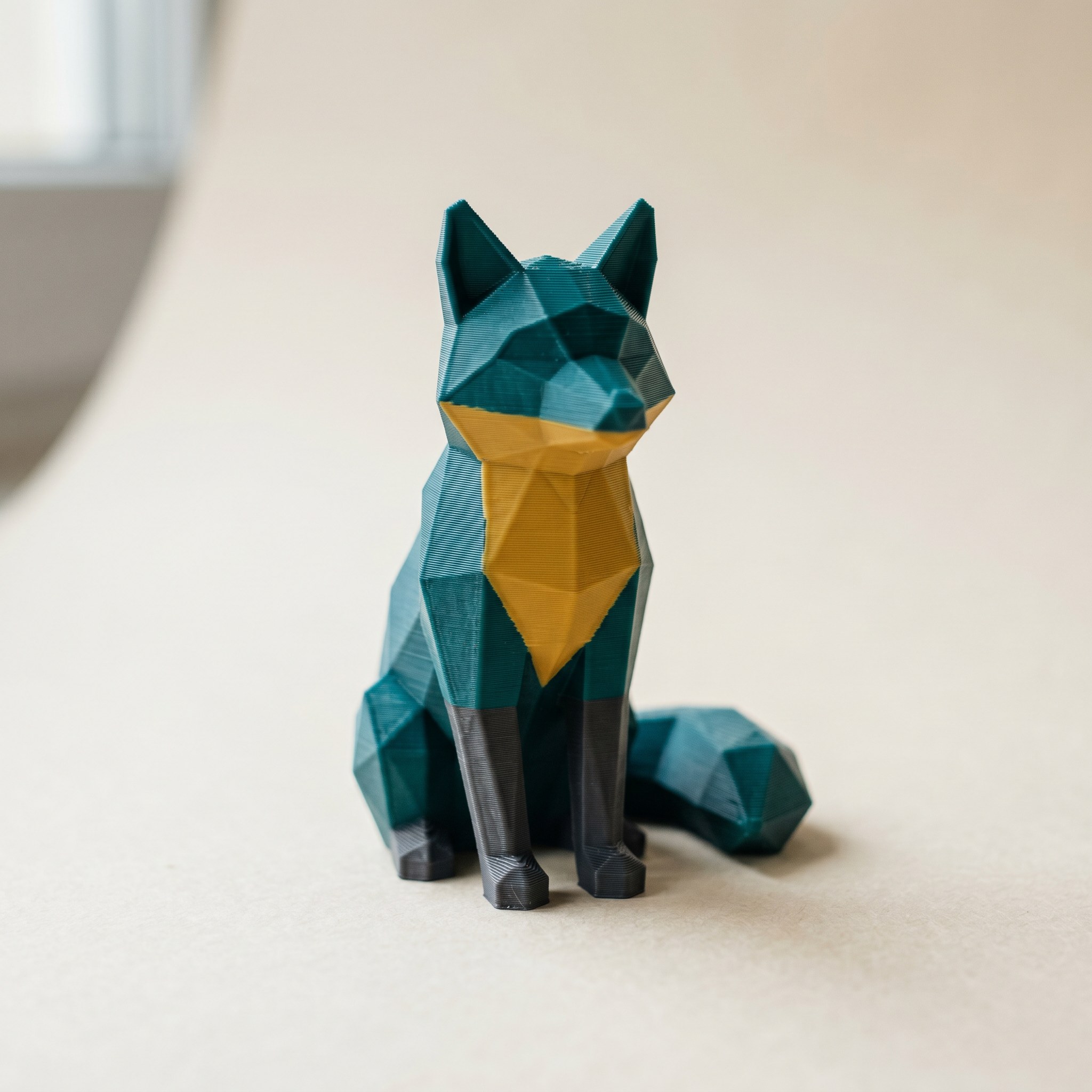
TL;DR: A Layerpaint 3MF stores one color per surface triangle and nothing about how deep that color goes. Your slicer decides whether the painted color stays on the outer wall or reaches the inside. This post covers what the export actually contains, what Bambu Studio and OrcaSlicer do with it, why OrcaSlicer users are asking for a paint depth setting, and how Layerpaint's "Depth cap" slider fits in (it isn't paint depth for the print).
Does a painted 3MF color the whole wall or just the surface?
A Layerpaint 3MF assigns one color to each surface triangle using the 3MF Materials Extension. It says nothing about how deep that color goes into the part. Your slicer reads the surface color and decides how far it reaches in. On a thick part, the surface takes the color while the infill behind it stays the base filament. On a thin wall there is little behind the surface, so the color can reach through to the inside face. So the 3MF colors the surface, and the slicer controls the depth.
This trips people up because the model looks fully colored on screen. In Layerpaint, every triangle you paint gets a color index written into the <m:colorgroup> block, and the viewport shows that color on the face. But a triangle is a flat surface with no thickness. The export records the skin of the model, one color per face, and stops there. The 3MF Materials Extension has no paint depth field, nothing that says "color the first 0.8 mm" or "color through to the infill." That information does not exist in the file.
If you haven't painted a model before, the start-to-finish walkthrough in your first multi-color 3MF paint job covers how those per-triangle colors get assigned.
What your slicer does with the surface color
When Bambu Studio or OrcaSlicer opens your 3MF, it maps each color group to a filament slot, then colors the surface in that filament. The infill behind the surface stays whatever the base filament is. That is the right behavior most of the time: you see the painted color from outside, and the slot changes happen only where the color shows.
Two cases break the assumption. On a thick solid part, slice it open and the inside is still the base color, because only the surface was painted, not the infill. On a thin wall like a visor or a blade, there is little infill behind the surface, so the color can reach right through to the other face whether you wanted that or not.
Why does OrcaSlicer want a paint depth setting?
Because a painted 3MF only describes the surface, the slicer alone decides how far the color reaches in. OrcaSlicer's color paint tool does not paint all the way through the walls and infill, so the infill reverts to the base filament. On a light diffuser or another translucent part, that base-color infill shows through as shadowing and color bleed. A February 2026 OrcaSlicer feature request (issue #12166) asks for a paint depth control: a custom depth value, a "paint to next surface" option, or a "paint through all" option. Until that ships, paint depth stays a slicer-side setting that the 3MF never carries.
The request is worth reading if you print asymmetric or translucent parts where you want a painted face to push color past the surface. That is a real gap, and it belongs to the slicer, not the painter. No tool that exports Standard 3MF can close it, because the format has nowhere to put a depth value.
The "Depth cap" slider is not print depth
Layerpaint has a control called Depth cap on the Brush, and it is easy to assume it sets paint depth for the print. It does not. Depth cap limits how far into the mesh the brush ball reaches while you paint, measured as a percentage of the brush radius along your view direction. Set it below 100% and the brush stops short of the far side, so you don't accidentally paint the back face of a thin wall you can't see.
That is a painting control, not a print control. It changes which surface triangles get a color, never how the slicer renders them. For the full thin-wall workflow, stop multi-color paint from bleeding past your edges walks through the Depth cap alongside drawn boundaries.
When surface color is all you need, and when it isn't
For most prints, surface color is the whole job. A figurine, a desk sign, a bracket with a colored logo: you only ever see the outside, so painting the skin is exactly right.
The exception is anything you see through or look inside, like an open vase or a cup with a colored rim and a different interior. Because every triangle is independent, you can paint the inside surface a separate color from the outside. Orbit into the opening and paint those faces directly. The export keeps them as their own color group, and the slicer prints each face from its own surface.
If a wall is too thin to hold its painted color cleanly, that is the same problem the slicer hits when it can't fit a full perimeter. The gap finder flags faces too thin to print as their own color. Run find paint patches too thin to print before you slice.
Common questions
Can I make a painted color go all the way through the wall from Layerpaint?
No. The 3MF Materials Extension stores one color per surface triangle and has no paint depth field, so the export can't carry "print this color 2 mm deep." How far the color reaches into the shell is decided by your slicer's perimeter settings.
Will the color show on the inside of a thin wall?
If you want to know how thick a given wall actually is before you reason about any of this, measure it in the free STL viewer — it reads distances straight off the mesh.
Often yes. If the wall is thin enough that there's little infill behind the surface, the painted color can reach the inside face too. On thicker parts the interior stays the base filament color.
Does Layerpaint's Depth cap change how deep the color prints?
No. Depth cap only limits how far the Brush reaches into the mesh while you paint, so you don't hit the back face of a thin part. It changes which triangles are painted, not how the slicer prints them.
How do I color the inside of an open model a different color?
Orbit into the opening and paint the interior faces directly. Each triangle is its own color group in the export, so the inside surface and outside surface can be different filaments.
Try it now
Layerpaint is free to try, with no account, no install, and no upload. Drop an STL on the painter and color the surface that shows. When you're ready to export, your first export is free, then $6.97 for 10 exports or $39.97 unlimited. No subscription.