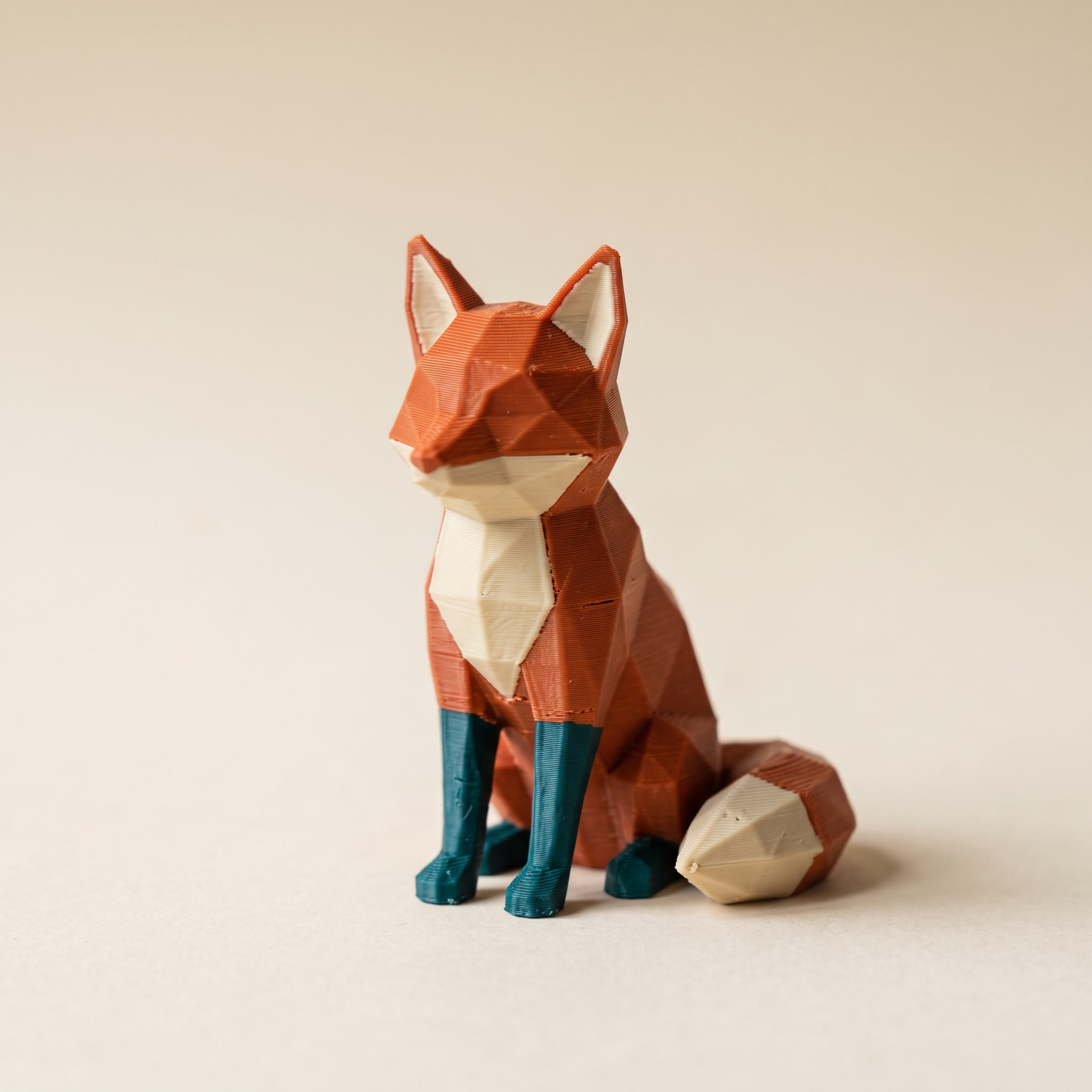
TL;DR: An STL editor in the browser handles four jobs well: resize, cut, repair, and color. It cannot turn triangles back into parametric CAD, because an STL file never stored the design intent in the first place. Below: what each job needs, which tool does it, and the one edit that has no browser answer.
Why can't an STL editor work like CAD?
An STL file stores a bag of triangles and nothing else. There are no sketches, no dimensions, no fillet parameters, no history of how the shape was built. A CAD program edits the recipe. An STL editor can only push the baked cake around. Resizing or patching a hole is straightforward because both work on the triangles as they are, but widening a bolt hole from 4 mm to 5 mm means re-cutting geometry by hand rather than typing a new number.
This is behind most of the annoyance you see in the Bambu Lab and Prusa forums. Someone gets told to learn Blender for a job they assumed would take thirty seconds, opens it, and finds a modelling suite rather than a box where you type a new dimension. The question worth asking is not "which STL editor is best". It is "which of the five jobs am I actually doing".
The five jobs people mean by "STL editor"
Sorted by how often they come up:
- Resize — the print is too big, too small, or too tall for the build plate.
- Cut and split — one model, several printable pieces.
- Repair — the slicer complains about holes or non-manifold edges.
- Recolor — the mesh is fine, the filament assignment is not.
- Change a feature — delete an embossed logo, move a mounting hole, add text.
Only the last one genuinely needs CAD. The first four are reachable without it, and three of them run in a browser tab.
Resizing: measure first, then scale
Scaling is where a slicer already does a decent job, so start there if you only need a uniform percentage. Where a slicer gets awkward is when you want an exact finished dimension on one axis.
The Size tool in the Layerpaint painter takes X, Y and Z in millimeters directly, with a toggle to keep all three locked to the same ratio. It also carries build-plate presets, including 256 × 256 mm for the Bambu X1, P1 and A1, so you can see whether the model fits before you slice. If you just want to read off the current dimensions, volume, or surface area of a file, the free STL viewer shows all of that without loading the full editor.
Cutting a model into printable parts
This is the one job where the slicer wins outright. Bambu Studio and OrcaSlicer both ship a cut tool that generates dovetails and pins, and Bambu documents the workflow in its wiki entry on printing large files. Joint tolerance is a printer setting, so cut where those settings live.
Layerpaint's Cut is a different thing worth knowing about. Cut horizontally or vertically and it hides every face on one side of the line rather than splitting the mesh, with Flip to swap which side you keep and Show all to restore. That gets your cursor onto interior walls, undersides, and anything the outer shell was blocking. Nothing is removed from the file, so the paint you apply through the cut is still there on the whole model when you export.
Repairing a broken mesh
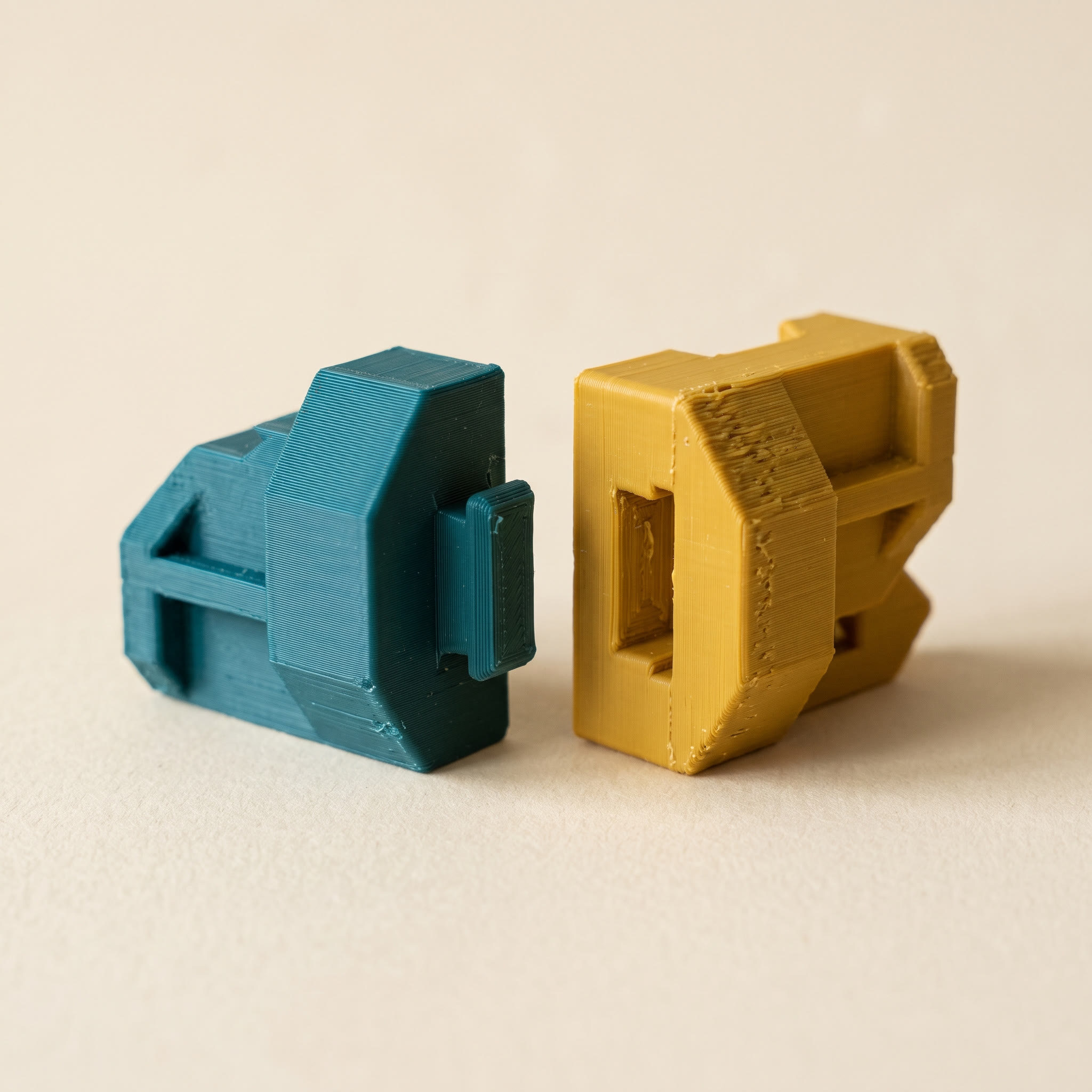
Holes, flipped normals, duplicate shells, non-manifold edges. Prusa's knowledge base has a good plain-language write-up of what a corrupted model looks like and why the slicer refuses it.
The STL repair tool fixes those four classes and shows before-and-after counts, so you can tell whether the file was actually broken or the slicer was being cautious. Nothing uploads and there is no file-size cap. We went deeper on the failure modes in the STL file repair guide.
Repair before you paint, not after. Welding a hole shut changes the triangle count, and a paint job assigned to the old triangles will not survive the repair. Fix geometry first, color second.
Recolor: the edit STL cannot hold at all
Here is the part most STL editor round-ups skip. An STL file has no color field. None. You can resize and repair an STL all day, and the moment you want two filaments on one model, the format has nowhere to put that information.
That is what 3MF is for. The 3MF specification defines a Materials Extension that stores a color group per triangle, and every current slicer reads it. Layerpaint paints per-triangle colors on an STL, OBJ or 3MF and exports a Standard 3MF that Bambu Studio, OrcaSlicer and PrusaSlicer open natively. If you already have a painted 3MF and only want different filaments, the 3MF recolor tool swaps each color without touching the paint boundaries. For a plain format change with no painting involved, use the model converter, which handles STL, OBJ, 3MF and GLB. The 3MF vs STL comparison covers what else the newer format carries.
Which STL editor jobs still need real CAD?
Anything that changes design intent rather than geometry. Deleting an embossed logo and leaving a clean surface, moving a mounting hole two millimeters, adding parametric text, or converting a mesh back into a solid body. These need Blender, Fusion, or a similar modeller, because you are rebuilding the shape rather than transforming it. Resize, cut, repair, and color are transformations, which is exactly why they work in a browser and the feature edits do not.
If your job is on that list, no browser tool will save you, and the guides claiming otherwise are selling something. Better to know that in the first minute than the fortieth.
Common questions
Can an STL editor add text to a model?
Not in the geometric sense. Layerpaint can stamp a logo or decal as painted color on the surface, with adjustable depth so it wraps around curves. That prints as a color change, not as raised lettering. Raised or engraved text is a CAD job.
Does editing an STL lose quality?
Resizing and cutting do not. Repair can change the triangle count where it closes holes. Running a decimator deliberately reduces triangles, which is useful for a heavy scan but visible on smooth curves, so keep the original file.
Do I need to upload my file anywhere?
No. Layerpaint and its tools run in the browser using WebGL, so the mesh stays on your machine. That also means large files are limited by your RAM rather than an upload cap.
Which format should I save as after editing?
STL if the model is a single color and you only changed geometry. 3MF if you painted it, because that is the only one of the two that can carry the color assignment through to your slicer.
Try it now
Drop a model on the painter and resize, cut or paint it in the browser. No account, no install, nothing uploaded. Your first export is free, then $6.97 for ten exports or $39.97 for unlimited.